Classify requests
Turn incoming text into a category, check the allowed values, and route the result with explicit conditions.
Message → category → check → route
Try labelled examplesBandura / The local workflow workspace
Turn repeatable work into a workflow you can open, run, and understand. Connect APIs, models, and scripts. Check the result. Keep the whole process in a file you own.
Free for personal and commercial use. No account or activation key.
v1.0.0-rc.9 · macOS, Windows and Linux · Unsigned macOS builds: first-launch instructions
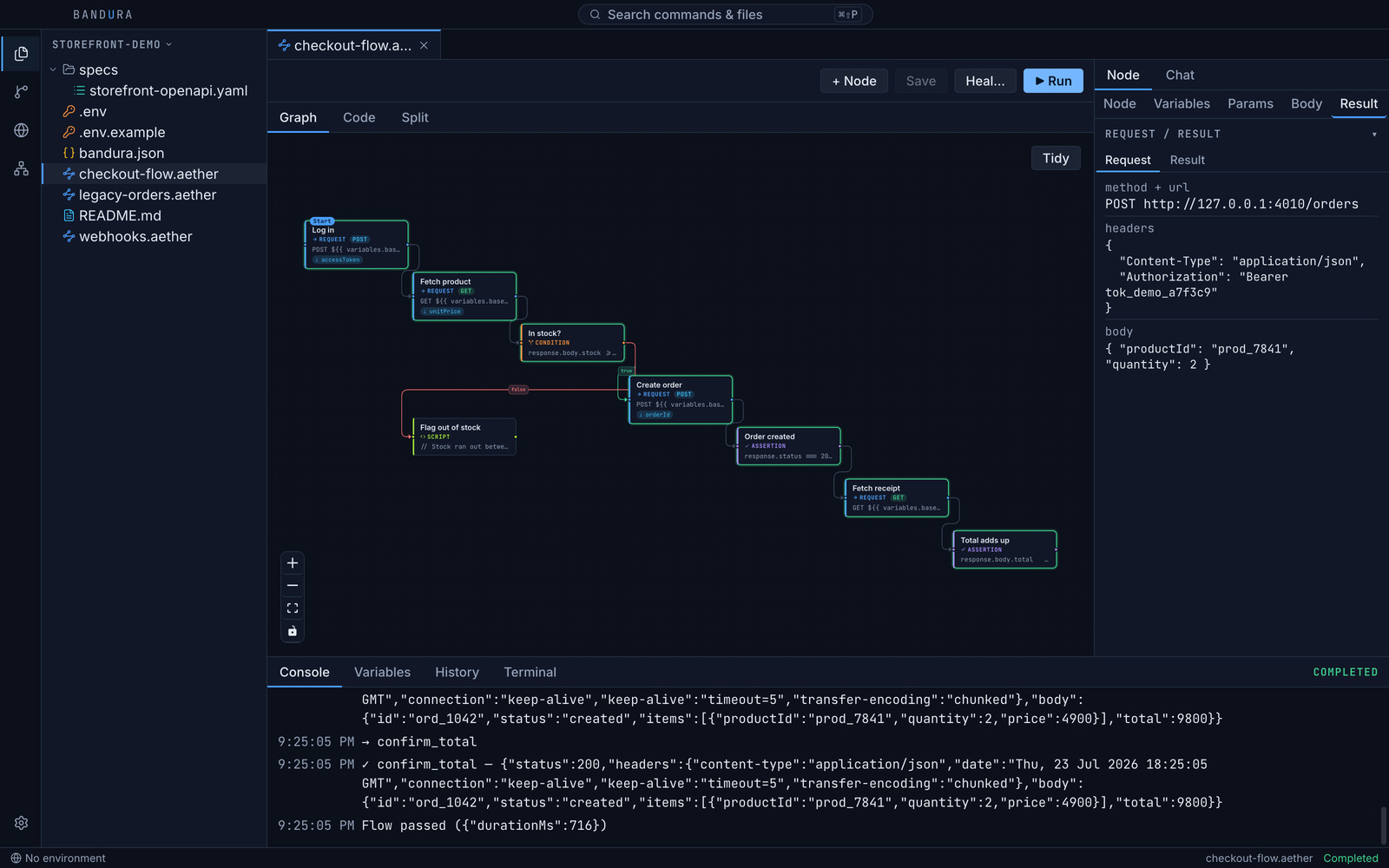
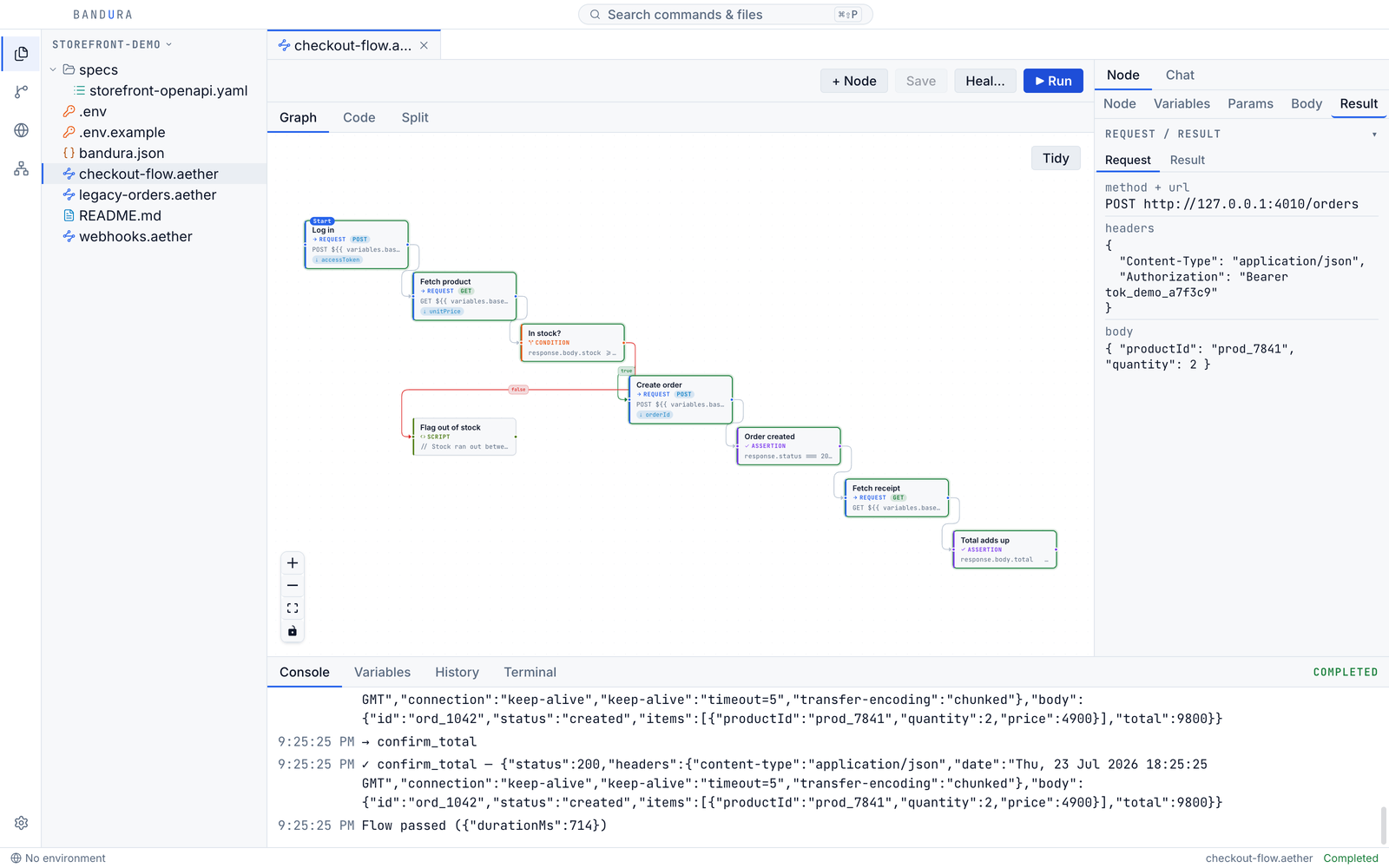
Start with a real task
Build one useful process, try it on sample inputs, and inspect what happened before you add more steps.
Turn incoming text into a category, check the allowed values, and route the result with explicit conditions.
Message → category → check → route
Try labelled examplesGive your model context, keep the output in a workflow variable, and check the content before you use it.
Context → draft → checks → output
Use a model in a stepCombine requests and calculations, pass values between steps, and assert that an order or API behaves as expected.
Inputs → action → expected result
Build a checked workflowFrom idea to repeatable work
The graph and code editor work on the same .aether YAML file. Change either view, review the steps, and run the process locally.
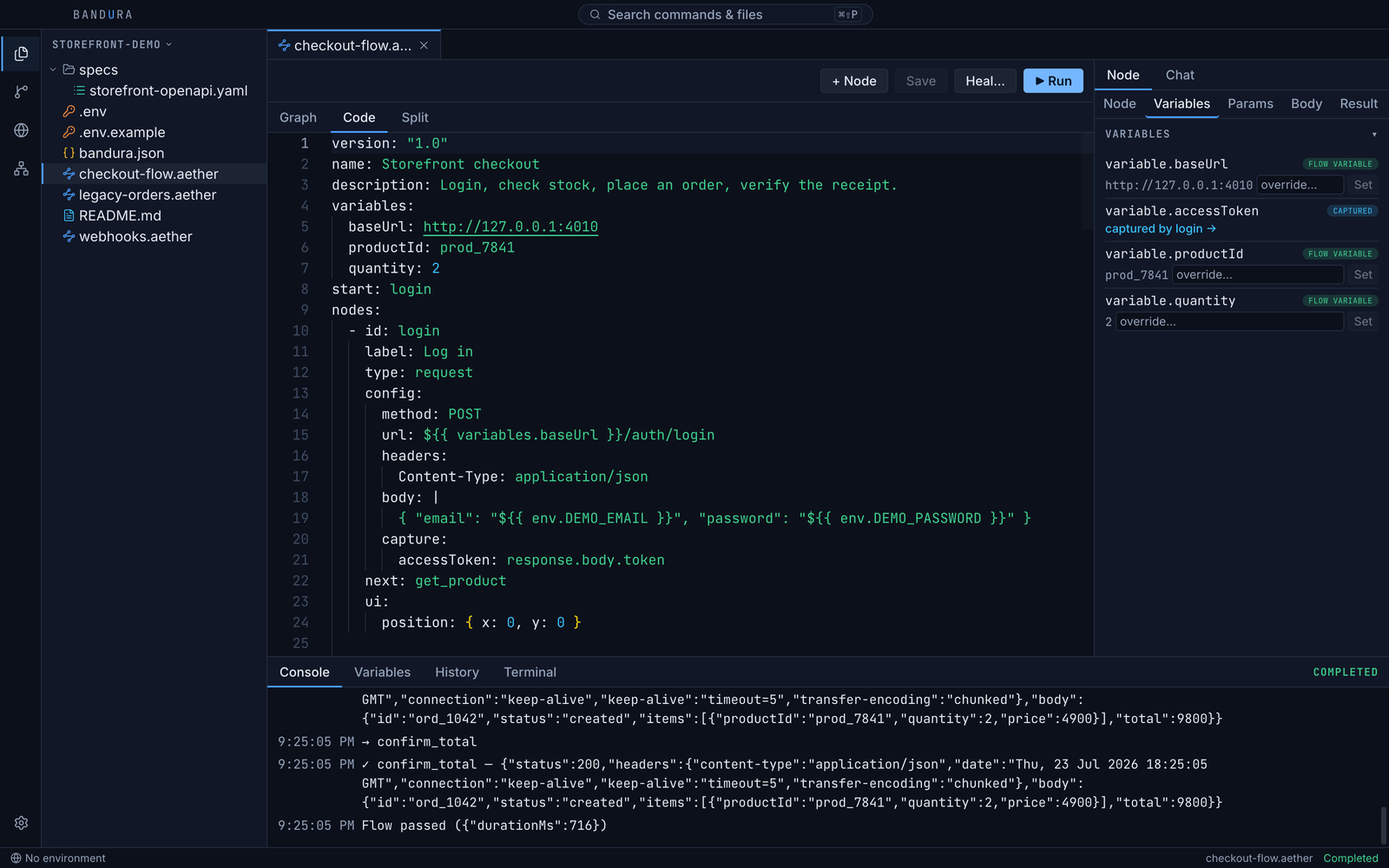
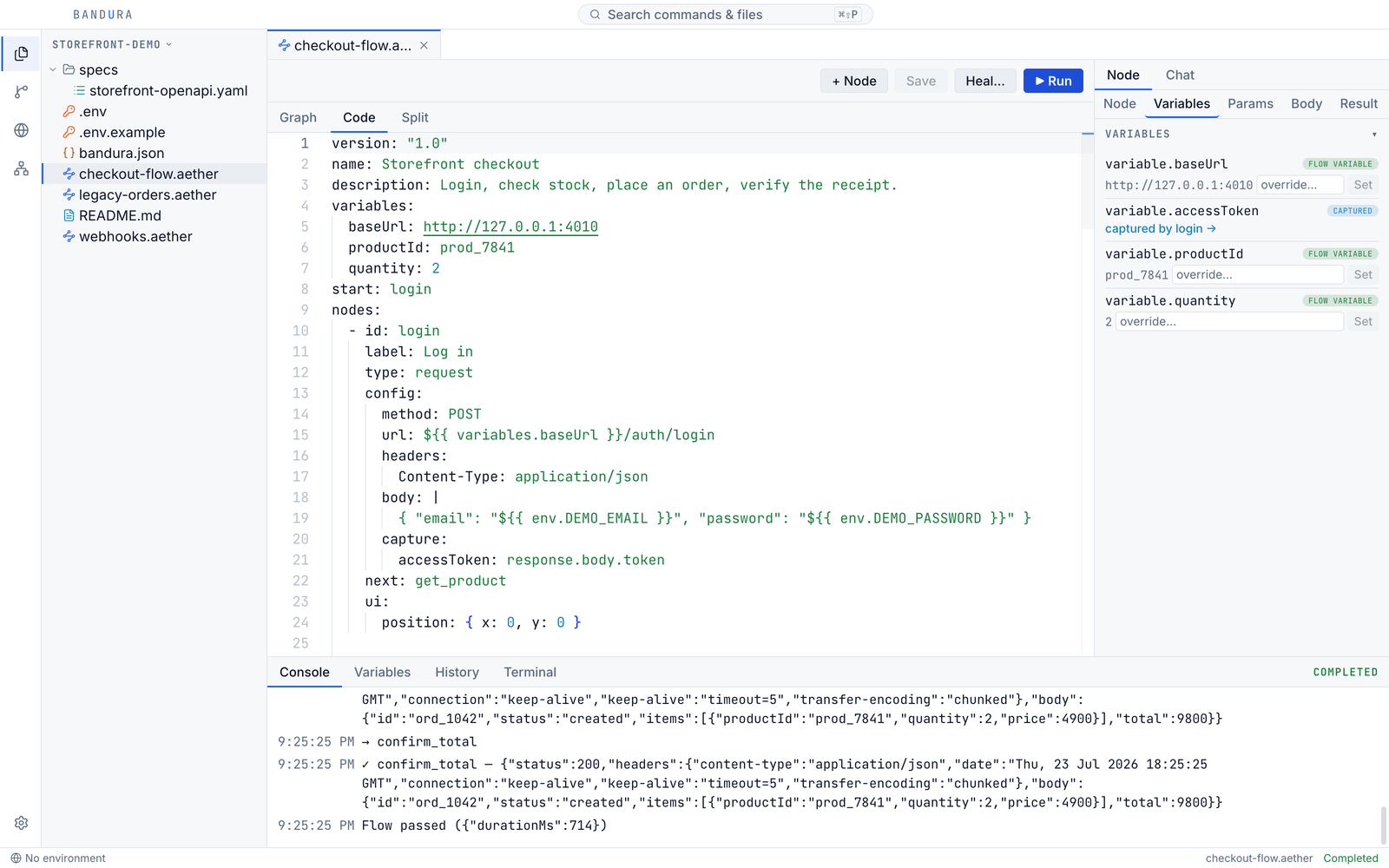
Add requests, scripts, model calls, branches, and checks. Reuse a subflow when the process grows.
Follow execution on the graph. Open a step to see its result, then use the debugger to investigate.
Edit the workflow and run it again. Share the YAML with its scripts and datasets; each teammate supplies their own credentials.
The tools behind the process
Available in the current release. A desktop workspace for technical builders and small teams.
See resolved requests, responses, variables, and local run history.
Run and debugUse assertions and CSV or JSON datasets to check a workflow against sample cases.
Variables and datasetsUse Anthropic, Gemini, an OpenAI-compatible endpoint, or a local runtime such as Ollama.
Connect a providerUse the CLI in your terminal or CI, and the local MCP server from a compatible assistant.
Use the CLIImport Postman, OpenAPI, Insomnia, Bruno, HAR, or curl and review the resulting workflow.
See import optionsKeep workflows in your repository. Include dependencies and setup instructions when sharing.
Share a workflowEvidence in the workspace
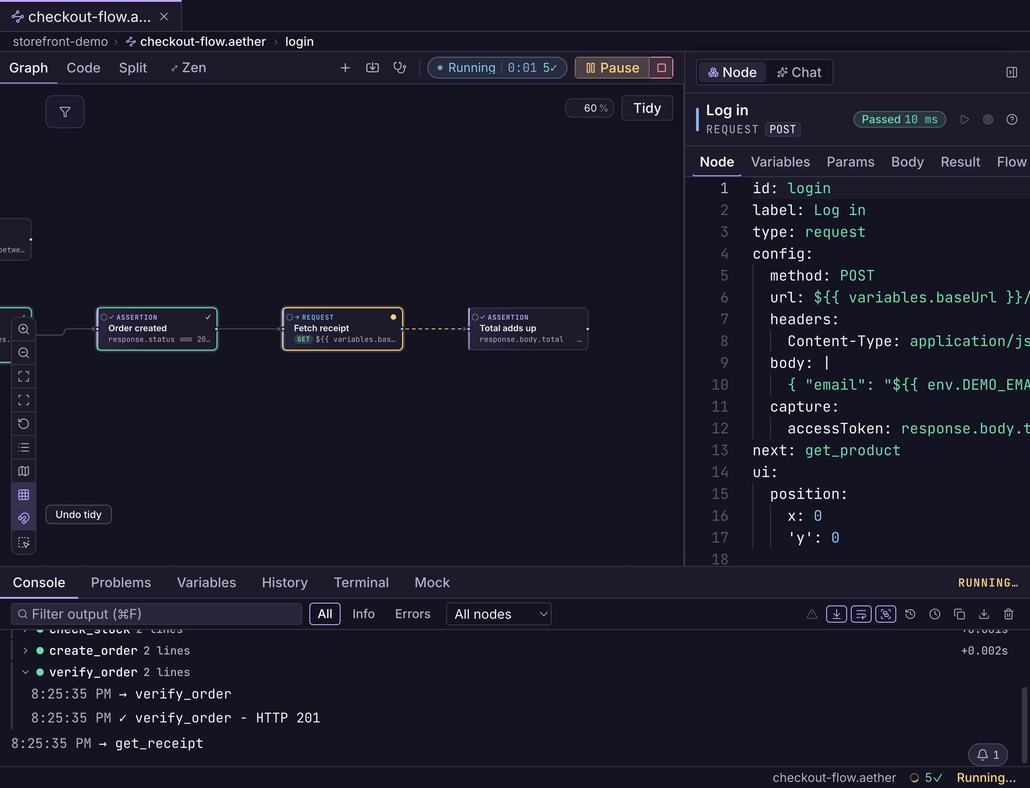
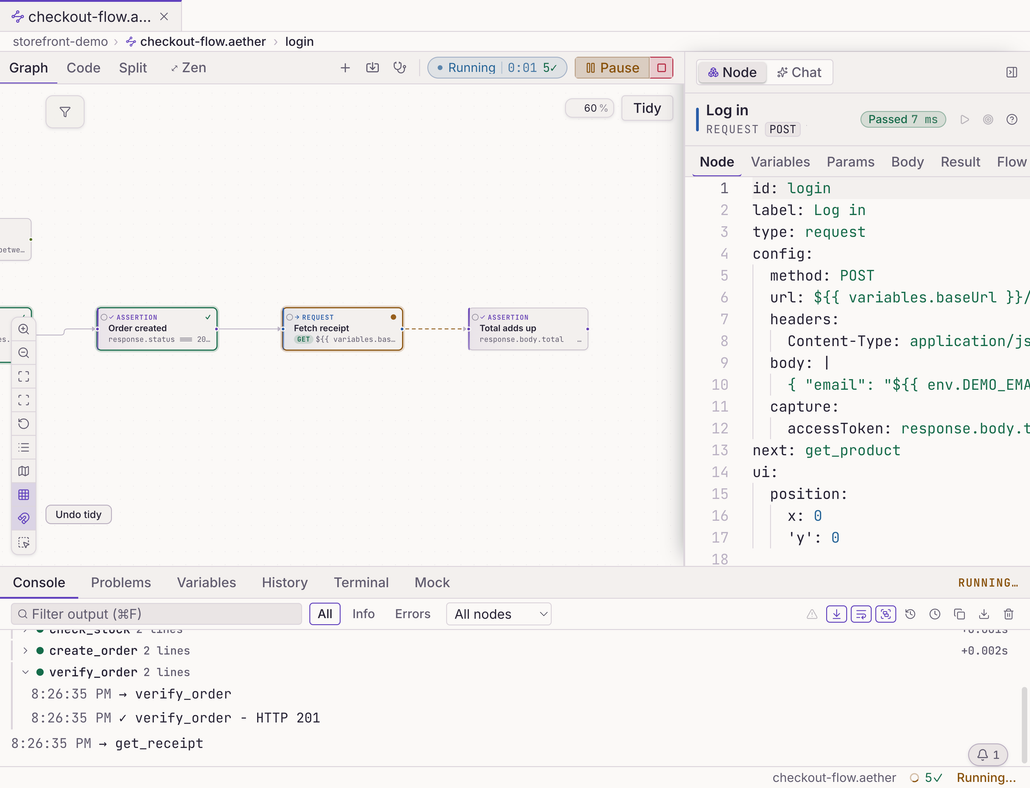
A successful request is only part of the picture. Inspect the output, add checks that matter to your task, and investigate the step that needs attention.
Choose the right workspace
Bandura fits when you want a local desktop runner, readable workflow files, direct API access, and your own model configuration.
Read how data and credentials are handledBandura does not yet include built-in schedules, hosted workers, or a managed human approval queue. You can invoke the CLI from infrastructure you manage.
If those capabilities are essential now, compare the approval and scheduling options in Windmill or human review steps in Relay.
Remote models and APIs receive the data your workflow sends to them. Local editing does not make remote calls private.
Product status
Download the current release candidate, or explore what is being prepared. Development features below are not in the published installers.
Current release
Graph and YAML editing, local runs, assertions, AI steps, imports, and debugging. A separately versioned CLI and MCP server are available too.
Read the release notesIn development
Remote MCP connections, tool discovery, typed decisions, and saved dataset case verdicts. MCP OAuth sign-in and a full trace for each case remain unbuilt.
Explore the development guideUnder consideration · no release date
Compare results between runs, simplify workflow setup for teammates, and design durable scheduling and approvals.
Read the workflow guideFree for personal and commercial use
Free for personal and commercial use. No trial, paid seat or subscription.
Model providers and external services may charge for usage. You use your own accounts.
macOS, Windows and Linux. No account or activation key required.
Download BanduraSupport development on Patreon. Support is optional and unlocks no extra features.
Questions, answered straight
Getting started, result checks, local files, and free use.
Build processes that combine AI, APIs, scripts, conditions, and explicit result checks. Examples include classifying requests, extracting structured data, preparing drafts, and validating an order process. Workflows run when you start them in the desktop app or through the CLI or MCP server.
A workflow makes the inputs, steps, outputs, and checks explicit in a file you can edit and run again. AI can help build the process and execute individual steps; the graph shows how those steps connect.
Technical builders and small teams who want to own their workflow files, combine AI with APIs, and inspect execution locally. Start with one repeatable process and sample inputs.
Built-in scheduling and hosted execution are not available today. The desktop runner is local. The CLI can be invoked by a scheduler or CI system you manage; that environment must supply its own dependencies and credentials.
The development build adds a choice node that sends explicit options to an endpoint, validates the returned label and probabilities, and stores the result for later conditions. A local Laya adapter is an optional example. Jev is not a built-in provider today.
The development desktop build adds an MCP Connections page. Save access to a remote server, check which saved apps expose tools, then add one tool to an open workflow or copy a YAML step. Checking reads the tool list without running a tool. Registry listings do not connect accounts; OAuth login and local stdio servers are not built in yet. The published release already supports direct HTTP APIs.
One workflow stored as readable YAML with embedded JavaScript. The visual graph and code editor are two views of that file. Commit it to Git or share it with the supporting scripts and datasets it uses.
Define explicit assertions and try labelled sample cases. A completed AI call only means a response was returned; passing your checks does not guarantee factual correctness. Inspect the outputs and improve the checks for your process.
Yes. Attach inline sample rows or a CSV/JSON dataset. Each row runs independently, and assertions can compare an actual result to that row's expected value. The development build keeps each completed row's verdict and duration in History, where you can search failures and copy results. It does not yet keep a full per-case node trace.
Yes. Requests, assertions, imports, and the existing CLI remain supported. API testing is one workflow use case; the main product focus is AI workflow automation.
Connect Anthropic, Google Gemini, or an OpenAI-compatible endpoint. Local runtimes such as Ollama and LM Studio can power AI steps, chat, and generation. Use the connection check in Settings before running a workflow.
Editing, local scripts, and stored history work offline. Requests need access to their target services. Remote AI calls send prompts and supplied context to your configured provider; a model running locally can avoid that external call. The optional release check can be disabled in Settings.
You use your own provider account and pay its usage costs directly. Bandura adds no AI markup or credit system. A local model does not incur a hosted-provider charge, but uses your own hardware.
Yes. The current release candidate is available for macOS, Windows and Linux. macOS builds are unsigned early access; the download page explains first-launch approval. Some new workflow improvements described in the development guide are being prepared for the next release.
Yes, for personal and commercial use. No trial, paid seat, account, activation key, or subscription is required.
Not today. The .aether format is documented, and your workflow files remain yours. The installed application and runner do not require an activation server.
Patreon support is optional and unlocks no extra features.
Your next repeatable process
Open a sample, run it, and make it yours.
One or two release emails. Optional; downloading does not require signing up.